VidRecall
Advanced Filters
Add New Video
Instagram and Facebook are not supported. They only serve video to a logged-in session, so this app can never download them.
Bulk Upload Videos
Paste multiple video URLs, one per line (max 50). Supports TikTok, YouTube, Instagram, Twitter/X, Facebook, Vimeo, Reddit
Video Library
Save Videos with One Tap
Add videos from TikTok, Instagram, or YouTube directly to your library using iOS Shortcuts.
Generate Your API Key
RequiredThis key connects the shortcut to your account:
Download the Shortcut
Get the iOS Shortcut on your iPhone:
Opens in Safari → Tap "Get Shortcut" → "Add Shortcut"
Add Your API Key to the Shortcut
a. Open the Shortcuts app on your iPhone

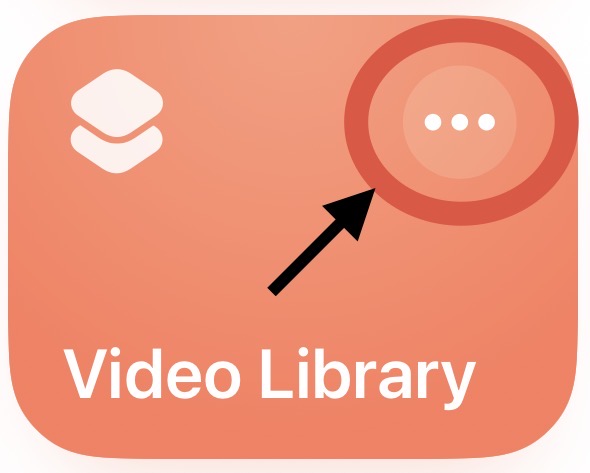
b. Find "Video Library" and tap the ⋯ button to edit
c. Find the api_key field and replace
PASTE_YOUR_API_KEY_HERE with your key
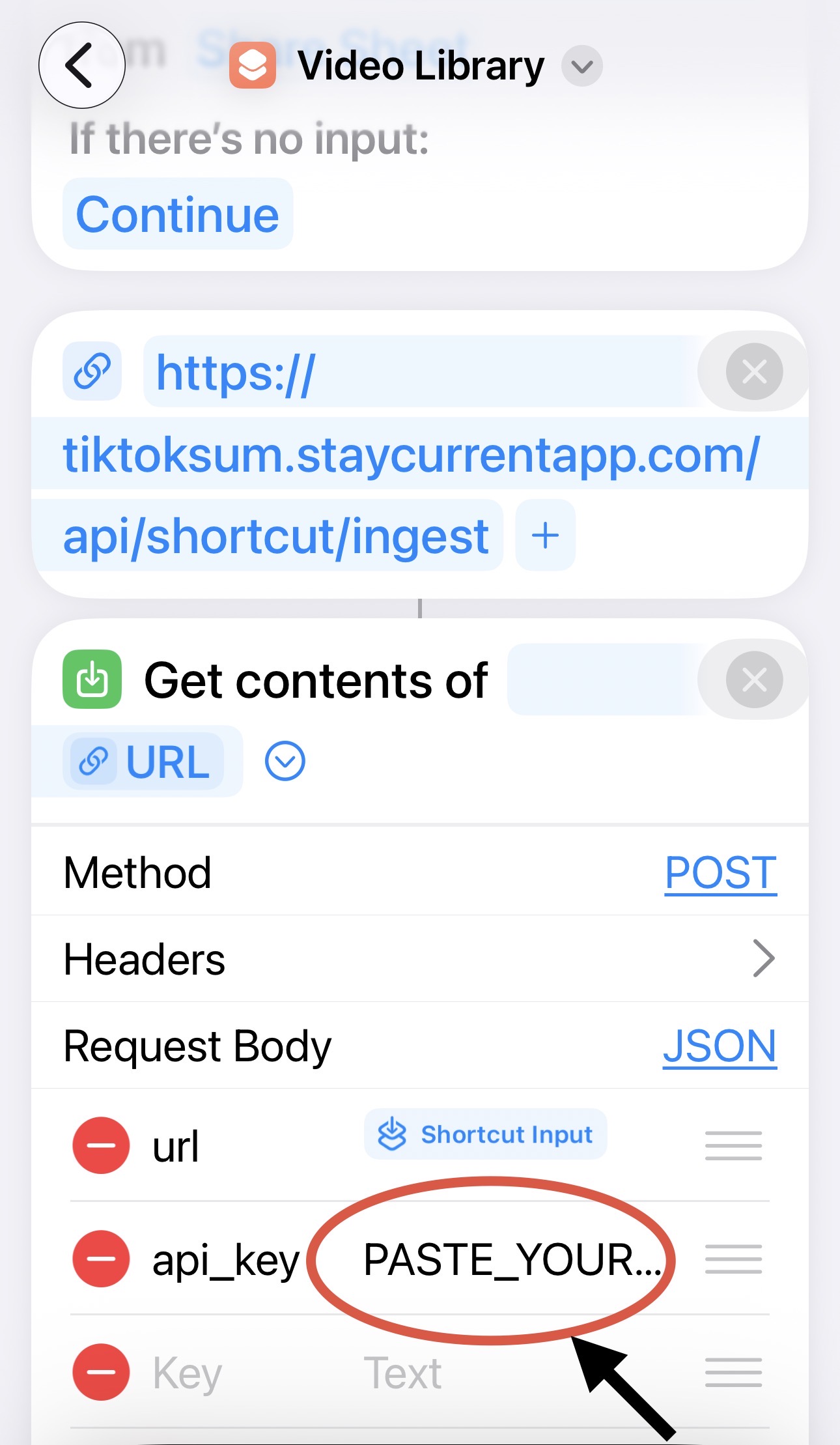
d. Tap Done to save
You're All Set!
When watching any video on TikTok, Instagram, or YouTube:
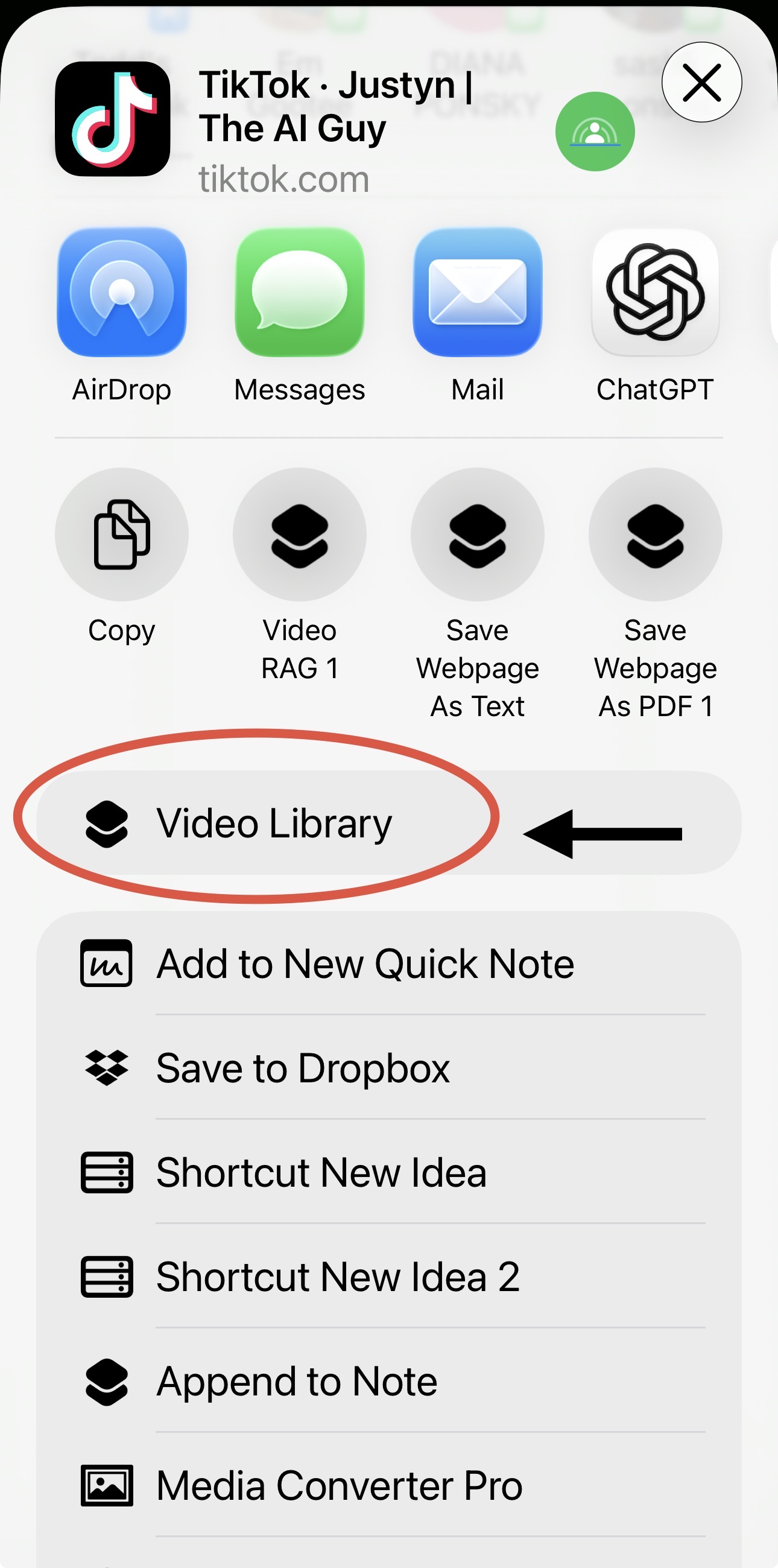
- Tap the Share button
- Scroll the bottom row and tap "Video Library"
- The video will be transcribed and added to your library!
Advanced: Manual Setup / API Reference
If you prefer to create the shortcut manually:
- Create a new shortcut
- Add "Receive Apps and 18 more from Share Sheet" as the input
- Set "If there's no input" to Continue
- Add "Get Contents of URL" action
- Set URL to:
https://tiktoksum.staycurrentapp.com/api/shortcut/ingest - Set Method to: POST
- Set Request Body to: JSON
- Add field
url→ Shortcut Input - Add field
api_key→ your API key - Add "Show Notification" action with message "Video Saved!"
JSON body format:
{
  "url": "https://www.tiktok.com/...",
  "api_key": "your_api_key_here",
  "topic": "optional category"
}